Step 1
Make yourself at home
Connect one Mac. Pick a square or a banner, then drag it to a spot that fits the way you work.
A sponsor in a corner of your desktop. A share of what it earns.
SideSpot makes room for both, while you get on with your day.
Built for macOS 26+ · Downloads and account registration coming later
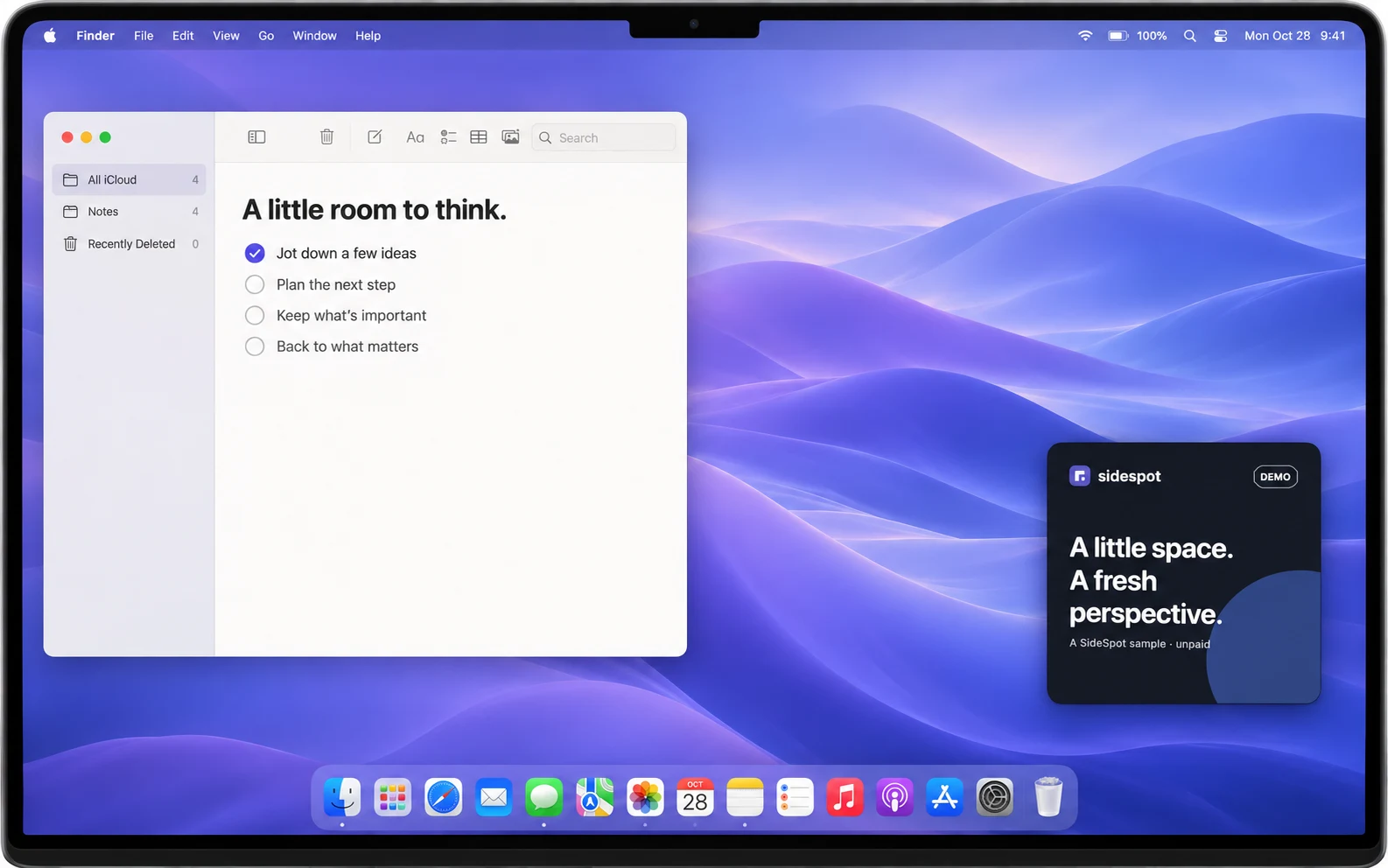
Connect your Mac, choose your spot, and follow what you earn.
Connect one Mac. Pick a square or a banner, then drag it to a spot that fits the way you work.
You earn for displaying an approved ad for 60 continuous eligible seconds. Your Mac needs to be active, awake, online, and unlocked.
Track pending and available earnings from the menu bar or dashboard. Bank payout requests start at $10 available.
You receive 60% of the actual advertiser charge for validated impressions. Eligible bonuses are added separately, so you can always see where your earnings come from.
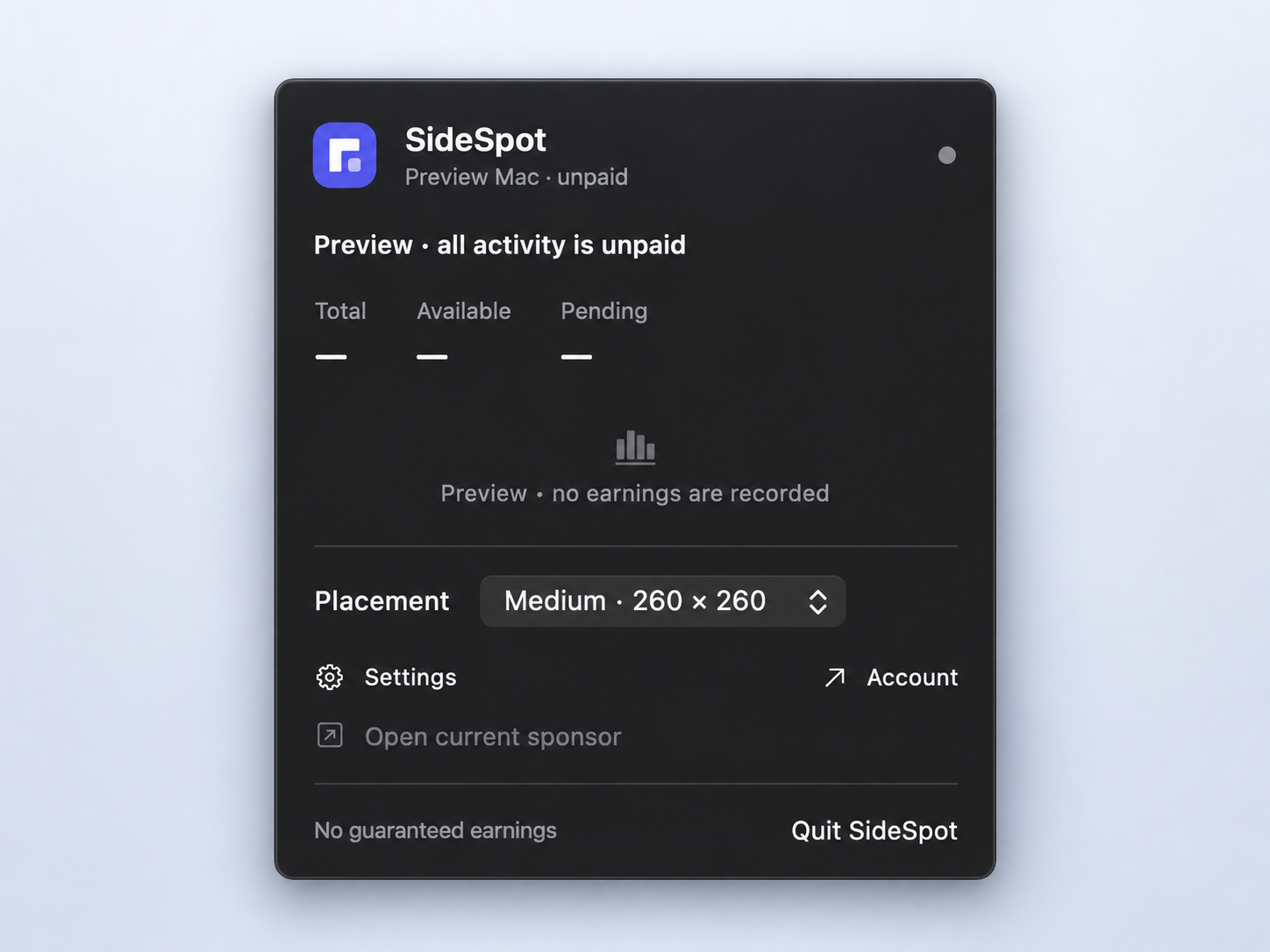
A sponsor gets a small space on your screen.
SideSpot does not collect what’s happening in the rest of it.
No Screen Recording, Accessibility, or Input Monitoring permissions. We use necessary app and device states to check earning eligibility.
A closer look at privacyA small square beside your notes. A wider banner along an edge. Choose from four fixed sizes and move your sponsor within the active display.
Check earnings in the menu bar, open your dashboard, or quit SideSpot normally whenever you’re done.
Explore the placementsBring your brand to a new corner of the Mac. Create square or banner artwork, choose your audience, and set a budget with a separate bid for each size.
Meet SideSpot for advertisers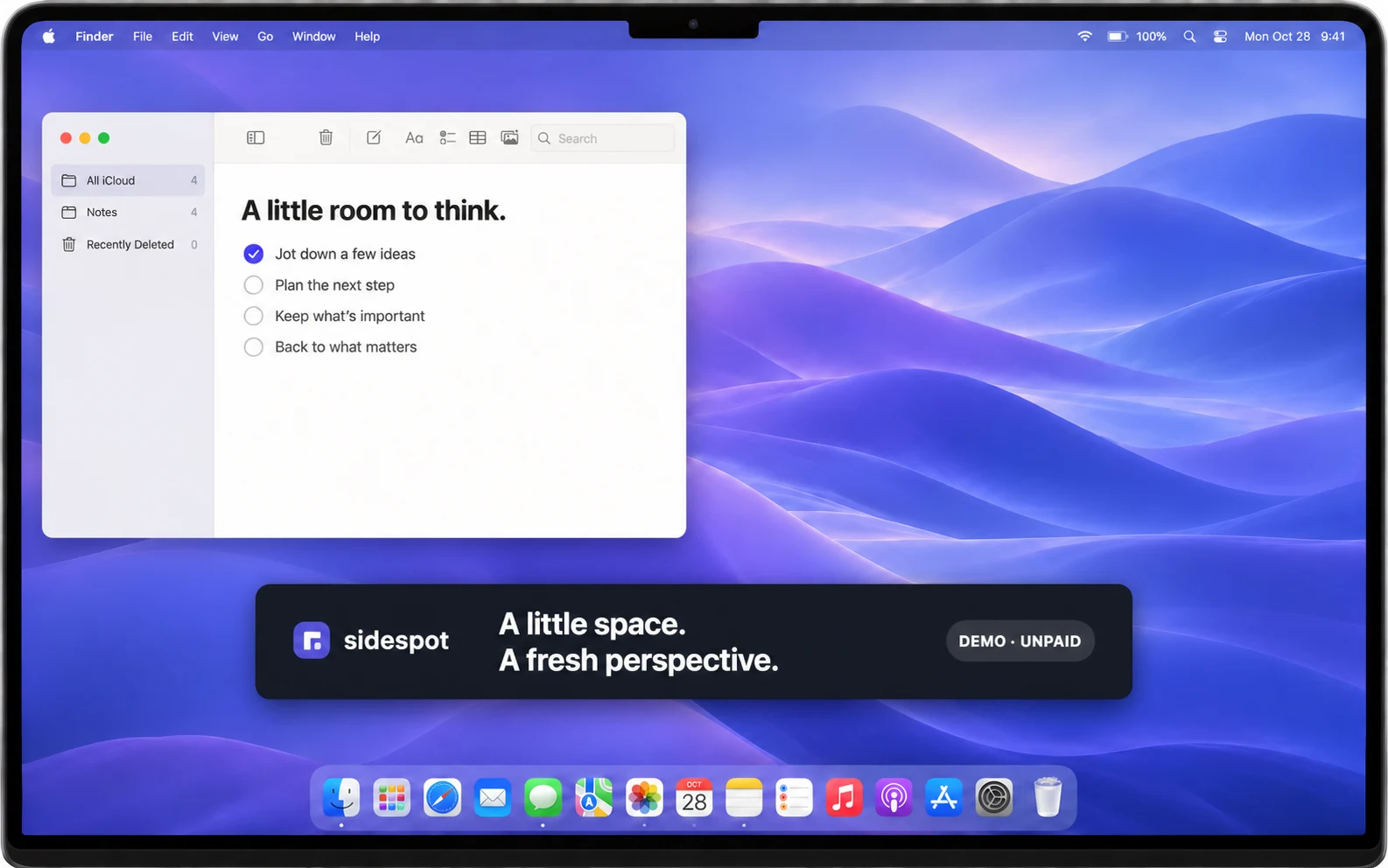 Creative reviewed before it runs.
There is no fixed hourly or monthly amount. Base earnings are 60% of the actual advertiser charge for validated impressions, with eligible bonuses shown separately. Your earnings depend on available sponsors, placement, bids, and eligible use. No income or delivery volume is guaranteed.
A sponsor must complete 60 continuous eligible seconds after it is ready. Your Mac must be awake, online, unlocked, and in a supported state. Five minutes of inactivity stops earnings. Loading, interrupted, partial, or unsupported displays do not earn, and video loops do not count as new impressions.
Yes. Drag it within your active display and choose Small (180 × 180), Medium (260 × 260), Large (340 × 340), or Banner (640 × 80 points). These are fixed sizes. There are no pause, snooze, or opacity controls; you can always quit SideSpot normally.
SideSpot does not collect screenshots, window contents, keystrokes, browsing history, or precise device location. It uses necessary app, media, and device states to check earning eligibility, plus an approximate country for supported campaigns. These signals do not prove attention.
Validated earnings stay pending for 120 hours unless held for review. Once your available balance reaches $10, you can request a bank payout. Destination, applicable conversion, fees, and received amount are shown before confirmation. Standard bank payout fees are covered by SideSpot.
Public downloads and account registration are not available yet. SideSpot is built for macOS 26+ and supports one connected Mac per account. Existing account holders can sign in to their dashboard.
A native Mac app. A clear share of sponsor revenue.
A small addition to your everyday.
Built for macOS 26+ · Downloads and registration coming later.