Step 1
Connect your Mac
Pair one Mac with your account. An approved sponsor must be ready to display before its eligible time starts.
You receive 60% of the advertiser charge when a sponsor completes an eligible display. This page explains how earnings are checked and when you can request a payout.
macOS 26+ · Public downloads and registration coming later
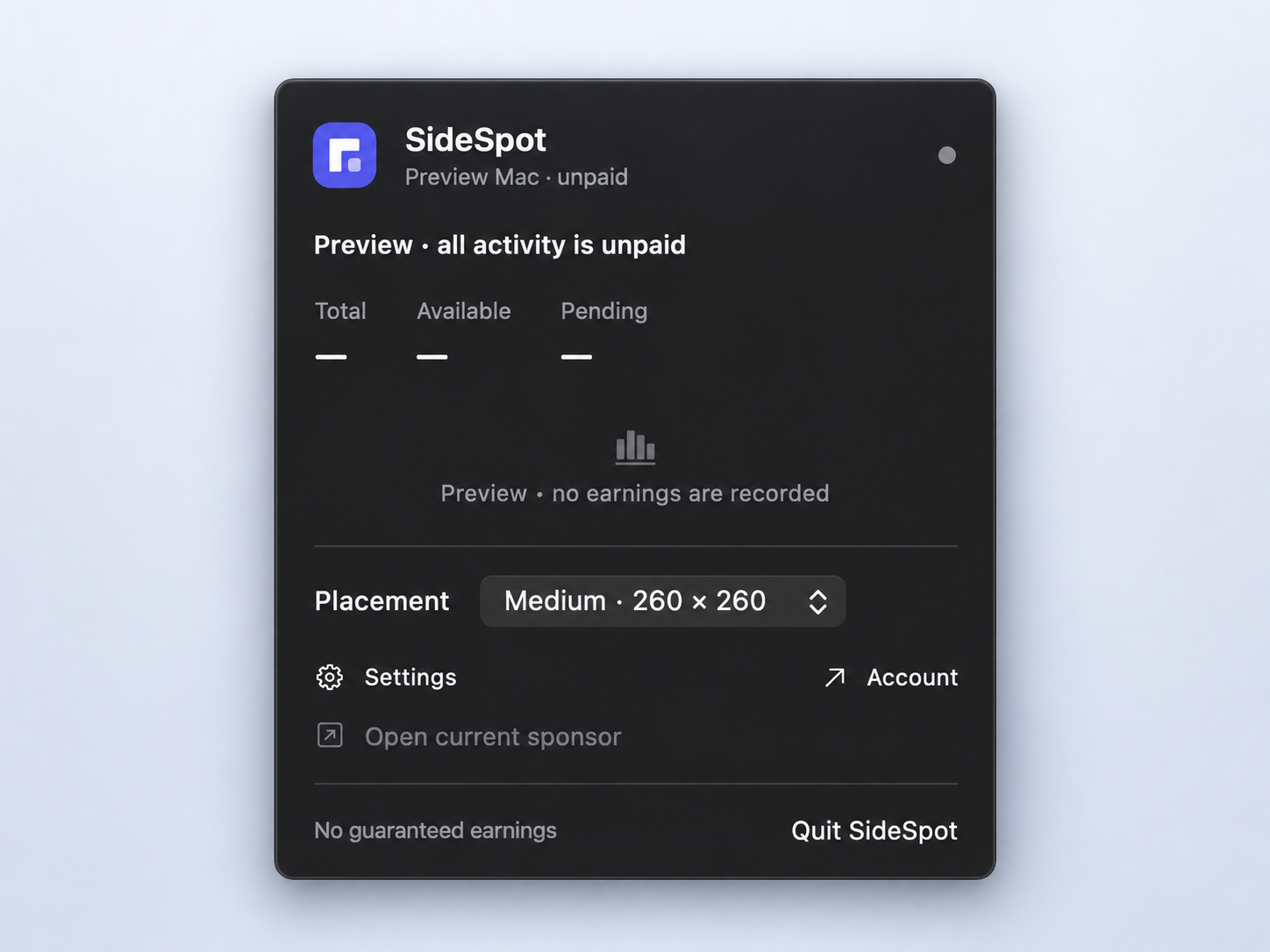
The app checks each sponsor display before adding it to your balance. An interrupted minute doesn’t earn a partial payment.
Pair one Mac with your account. An approved sponsor must be ready to display before its eligible time starts.
An approved sponsor completes 60 continuous eligible seconds while your Mac is active, awake, online, and unlocked.
A confirmed display adds your share to pending earnings. Loading screens and video loops don’t count as new impressions.
If validated displays cost advertisers $10 in total, your base earnings are $6. Eligible bonuses are added to that amount and appear separately in your account.
The example doesn’t set a daily rate. An advertiser’s actual charge depends on the auction for that placement.
Read the earning rules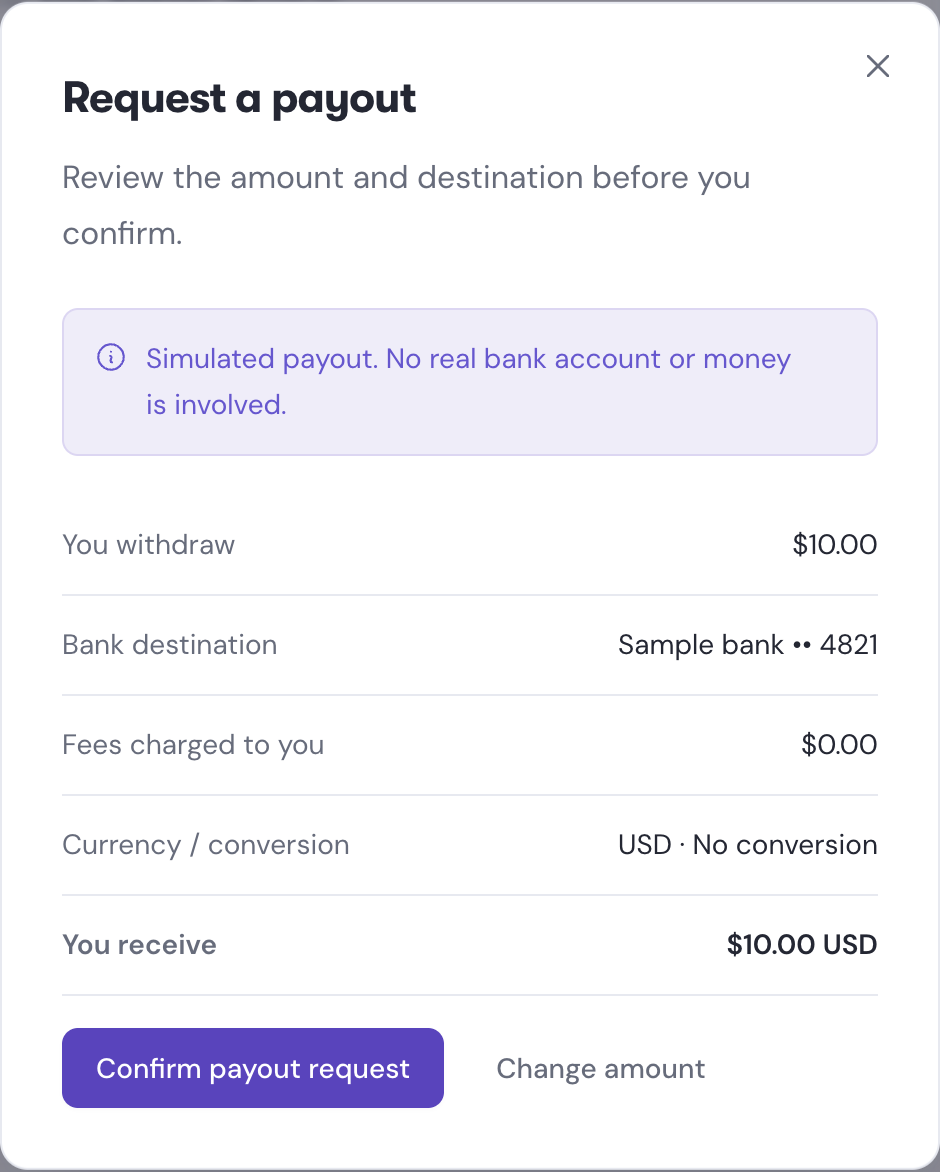
A complete eligible display is confirmed.
Earnings clear after 120 hours, unless held for review.
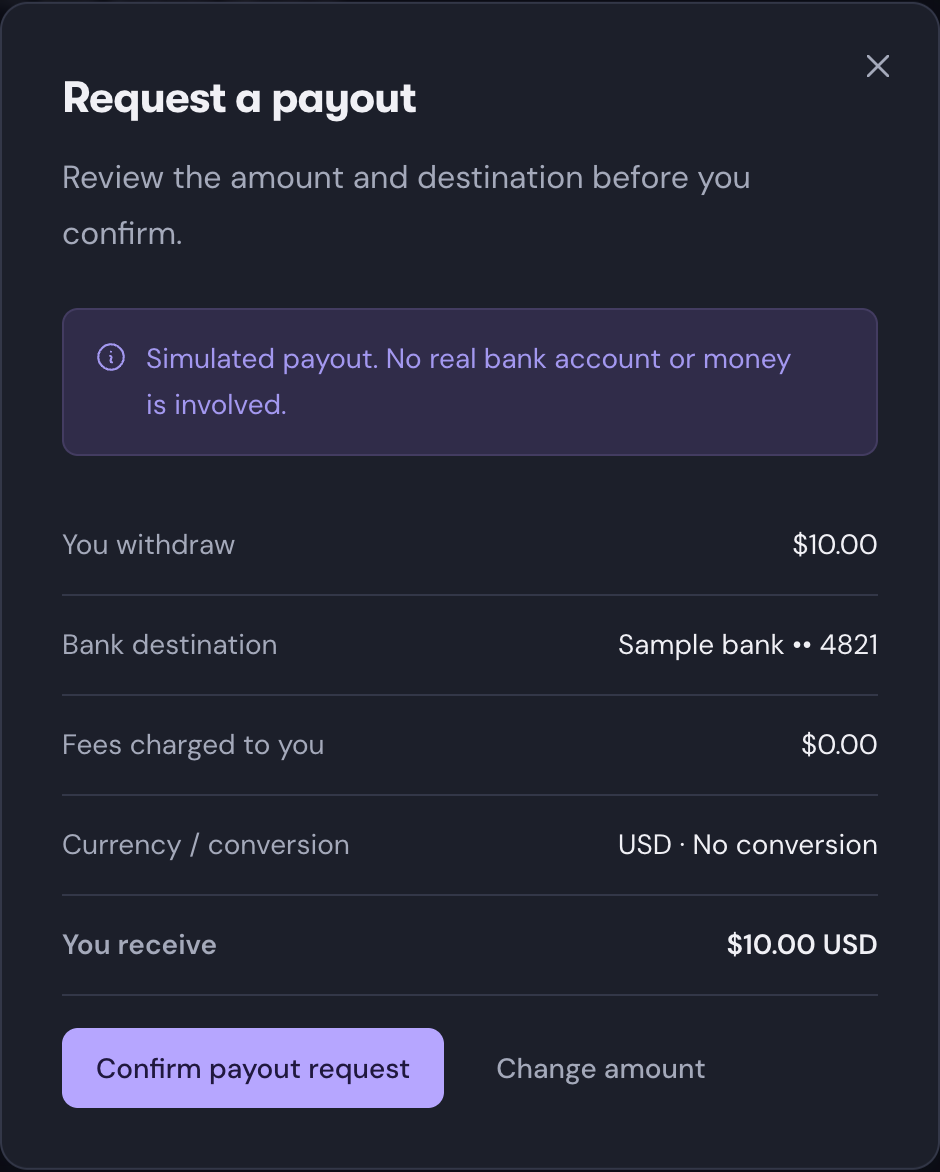
Request a payout from $10 available.
Confirmed earnings stay pending for 120 hours unless they’re held for review. Once your available balance reaches $10, you can submit a payout request from your dashboard.
Before confirming a payout, review the destination, applicable conversion, fees, and received amount. Standard bank payout fees are covered by SideSpot.
Explore the dashboardBalances shown are simulated.
Time on your Mac alone doesn’t determine your earnings. A sponsor needs to be available for your country and placement, and each display must meet the eligibility rules.
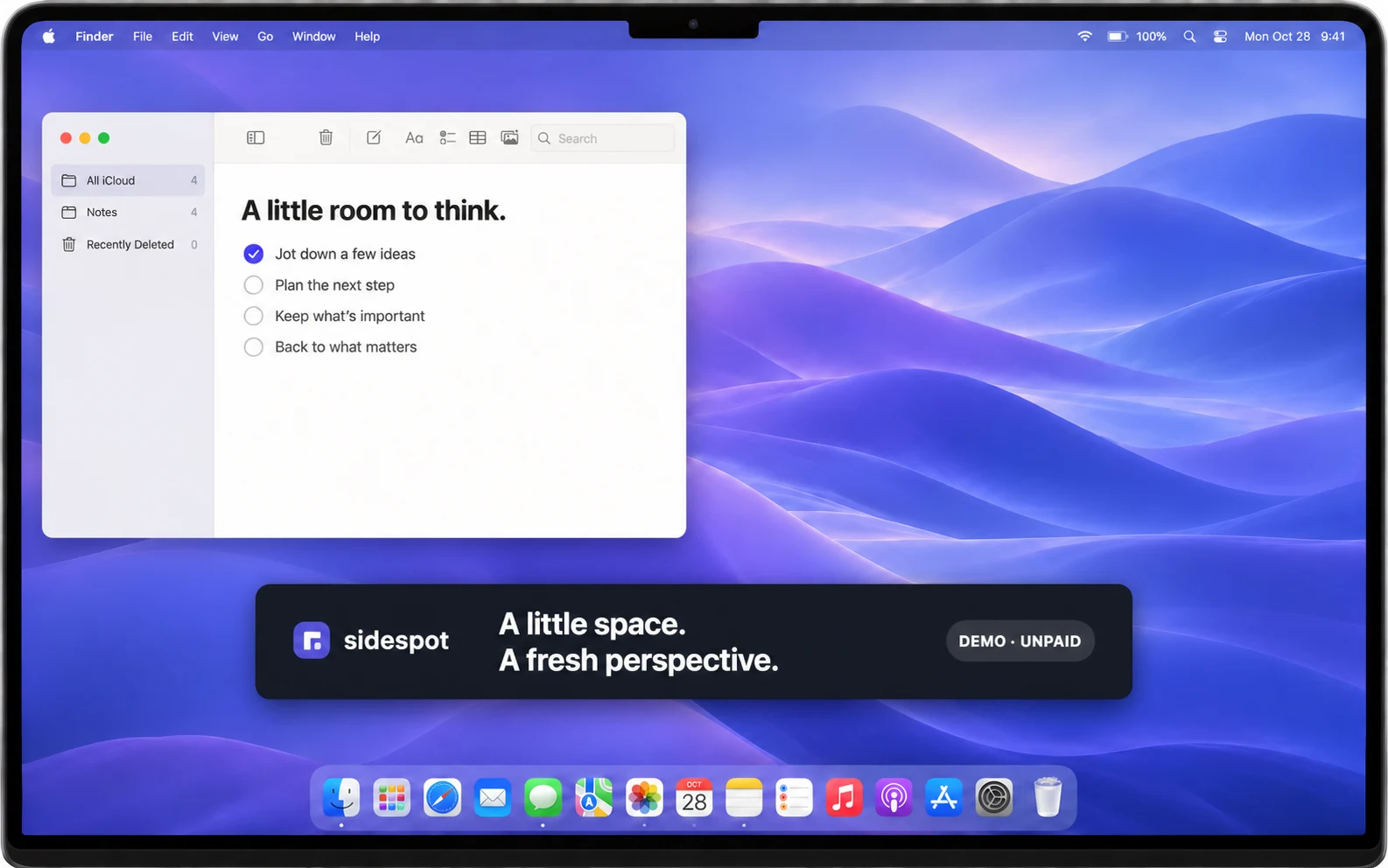
The app checks whether your Mac is awake, unlocked, and online. It also checks recent activity and whether the sponsor is ready in a supported display state.
Five minutes of inactivity stops earnings. The app doesn’t need Screen Recording, Accessibility, or Input Monitoring permission to perform these checks.
Read about the data we useYou can quit SideSpot normally. An unfinished display won’t earn a partial payment.
There isn’t a fixed hourly or monthly amount. You receive 60% of the actual advertiser charge for validated impressions, with eligible bonuses shown separately. Available sponsors, bids, placement, and eligible use all affect earnings. Income and delivery volume are not guaranteed.
An approved sponsor needs 60 continuous eligible seconds after it is ready. Your Mac must be awake, online, unlocked, and in a supported state. Five minutes of inactivity stops earnings. Loading, interrupted, and partial displays do not earn.
Yes. Choose Small, Medium, Large, or Banner and drag the sponsor within your active display. You can quit SideSpot normally whenever you are finished. Moving to a different screen can require a new eligibility check.
Validated earnings remain pending for 120 hours unless held for review. You can request a bank payout from $10 available. Your destination, applicable conversion, fees, and received amount are shown before confirmation. SideSpot covers standard bank payout fees.
No. SideSpot does not collect screenshots, window contents, keystrokes, browsing history, or precise device location. It uses necessary app and device states to check earning eligibility, plus approximate country for supported campaigns.
Public downloads and account registration are not open yet. The app is built for macOS 26 and later. The download page explains current availability.
Read the clearing period and payout requirements before setting up your account. Payout requests start at $10 available.
Read payout detailsPublic downloads and registration coming later · macOS 26+